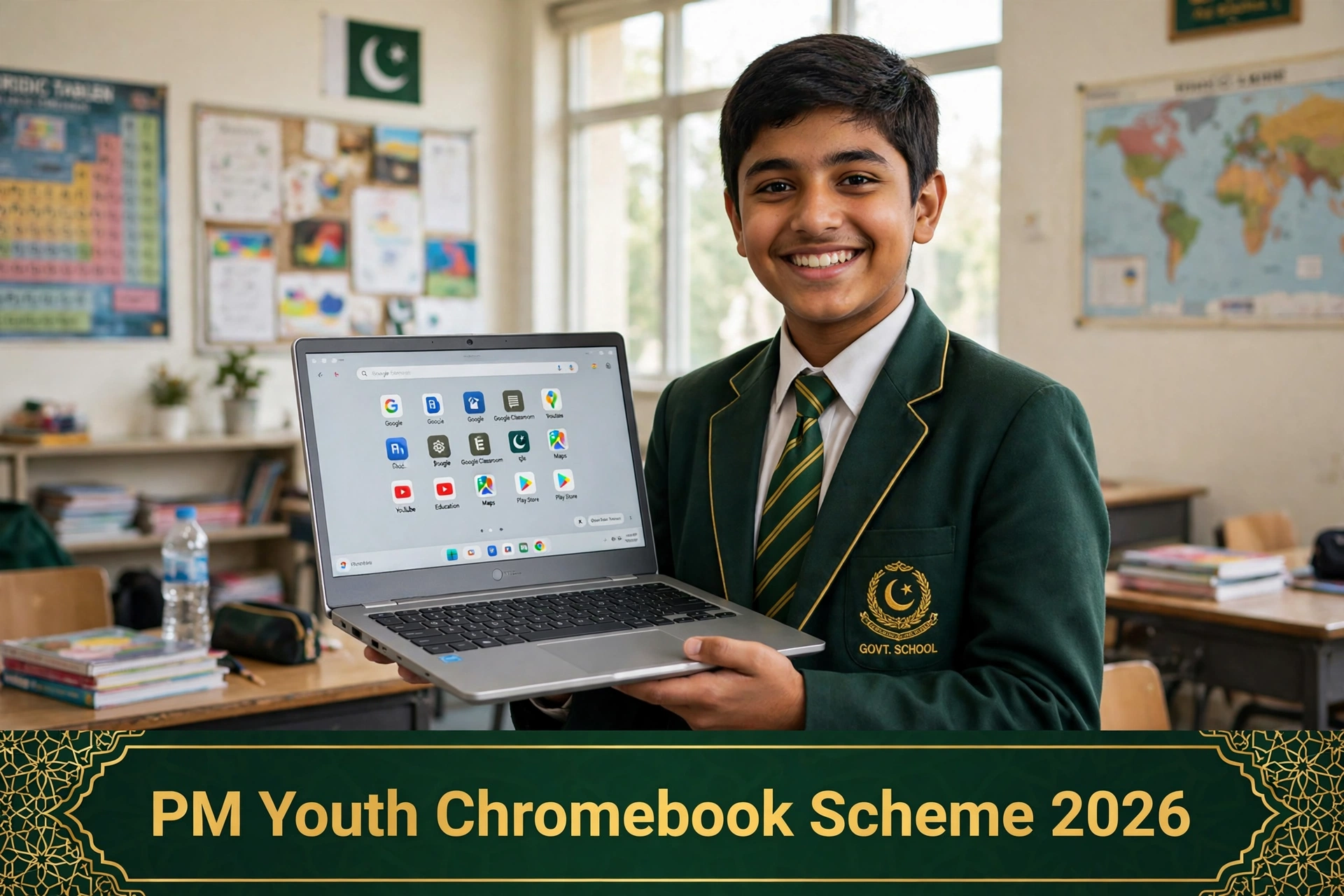
If you are a student in a government school and you have been hearing about the PM Youth Chromebook Scheme 2026, this guide is for you. It explains, in plain words, who can apply, what documents you need, how the online registration works, and where to check the official information. The official portal for the scheme is pmychromebooks.ibcc.edu.pk, and that is the only place you should trust for registration.
One thing to say right at the start: a lot of posts on social media are adding their own dates, laptop models and promises to this scheme. This article does not do that. Where the official information is not yet public, this guide says so clearly, so you do not plan your application around a guess.
PM Youth Chromebook Scheme 2026 — Quick Overview
| Detail | Information |
|---|---|
| Scheme name | Prime Minister Youth Chromebook Scheme 2026 |
| Official portal | pmychromebooks.ibcc.edu.pk |
| Who it is for | Top-performing students of government / public schools |
| Basis of selection | 2026 annual examination results |
| Eligible classes | Grade 9 (SSC-I) in Punjab, Sindh, KPK and Balochistan; Grade 9 and Grade 10 in AJK, Islamabad (ICT) and Gilgit-Baltistan |
| Schools covered | Government / public schools only |
| Private-school students | Not included, as per the criteria shown on the portal |
| Last date to apply | Not announced in the source article — check your board’s notification and the portal |
| Number of Chromebooks | Not stated |
| Registration fee | Not stated |
What Is the PM Youth Chromebook Scheme 2026?
The PM Youth Chromebook Scheme 2026 is a government initiative linked to Chromebooks for students. As reported, it is meant for top-performing students of government and public schools, chosen on the basis of their 2026 annual examination results.
A Chromebook is a light, simple laptop-style device that runs on the Chrome operating system. It is useful for online classes, assignments, research and exam preparation. But do not believe any post that names a particular brand or model for this scheme — no device model or specification has been confirmed in the information available for this guide.
The scheme is searched for a lot because students want to know three things: am I eligible, is registration open, and how do I apply. This guide answers all three as far as the confirmed information allows.
Who Can Apply? Eligibility Criteria
Eligibility for this scheme is narrow, and that is the most important thing to understand before you apply. It is not open to every student in Pakistan.
Classes and boards
As reported, the scheme covers:
- Punjab, Sindh, Khyber Pakhtunkhwa and Balochistan: Grade 9 (SSC-I) students only.
- Azad Jammu and Kashmir, Islamabad (ICT) and Gilgit-Baltistan: Grade 9 and Grade 10 students.
So a Grade 10 student in Punjab is not covered under the criteria as reported, while a Grade 10 student in AJK, Islamabad or Gilgit-Baltistan is. Check your own board and class against this list before you spend time on an application.
Government schools only
Only students of government and public schools are included, as per the criteria currently displayed on the portal. Private-school students are not included. If you study in a private school, do not apply on the basis of a social media post — check the portal yourself, because the criteria shown there are the final word.
Performance basis
Selection is based on the 2026 annual examinations. The scheme is described as being for top-performing students, so your result matters. The exact merit cut-off or percentage has not been stated in the information available, so do not trust any post that quotes a specific percentage as the rule.
Age and other conditions
No age limit or additional condition has been stated in the source information. If the portal shows one when you open it, follow that.
Documents Required for Registration
Before you start the online form, keep these documents ready. As reported, the portal asks for:
- A recent colour photograph with a plain background
- Your Grade 9 or Grade 10 mark sheet, as applicable
- An attested copy of your B-Form or CNIC
- An attested copy of your father’s or guardian’s CNIC
Make sure the photograph is recent and clear, and the mark sheet is readable. A blurry upload is one of the most common reasons an application gets stuck. Keep the originals with you as well — you may need them later for verification.
Do not upload your documents anywhere except the official portal. No agent, WhatsApp group or Facebook page needs your B-Form or your parent’s CNIC.
How to Apply Online — Step by Step
If registration is open for your board, the steps as reported are:
- Open your browser and go to pmychromebooks.ibcc.edu.pk.
- Find the student registration or application section on the portal.
- Enter your name, B-Form number and contact details.
- Select your province, board, school and class.
- Upload your photograph, mark sheet, B-Form and your parent or guardian’s CNIC.
- Review everything carefully before you submit.
- Submit the application.
- Save your application or tracking number somewhere safe — take a screenshot and note it down.
That tracking number is your proof that you applied. Without it, you will struggle to check your status later.
Before you submit
Read every field twice. A wrong B-Form number or a wrong board selection can get your application rejected. If the portal shows an instruction that differs from a YouTube tutorial or a Facebook post, follow the portal — it is the official source.
Important Dates — What Is Confirmed and What Is Not
This is where you need to be careful. The source article does not give a last date for this scheme. It says the deadline may vary by education board, and that students should check their board’s notification and the portal.
So this guide does not invent a last date. Do not assume registration is still open just because a post says so, and do not assume it is closed either. Open pmychromebooks.ibcc.edu.pk and check the current status for your board. If your board has issued a notification, that notification is the date that applies to you.
The number of Chromebooks and any registration fee have also not been stated. If someone asks you for money to register you, that is not part of the official process as reported — do not pay them.
How to Check Your Application Status
After applying, keep checking the portal for updates. The exact status-checking facility has not been described in the source information, so follow whatever the portal shows after you log in or enter your tracking number. Keep your tracking number safe, and do not share it with strangers who offer to “check your status” for you.
Common Mistakes to Avoid
- Applying from a private school: the criteria as reported cover government and public schools only.
- Applying for the wrong class: Grade 10 is covered only in AJK, ICT and Gilgit-Baltistan, not in the four provinces.
- Using an unofficial website: only pmychromebooks.ibcc.edu.pk is the official portal given for this scheme.
- Uploading a blurry photo or mark sheet: keep your documents clear and readable.
- Paying an agent: no fee has been stated, and no agent is needed to apply.
- Trusting a last date from social media: no last date has been announced in the source information — check your board’s notification.
Frequently Asked Questions
What is the official portal for the PM Youth Chromebook Scheme 2026?
The official portal is pmychromebooks.ibcc.edu.pk.
Who is eligible for the Chromebook scheme?
As reported, top-performing students of government and public schools, based on 2026 annual examinations — Grade 9 in Punjab, Sindh, KPK and Balochistan, and Grade 9 and 10 in AJK, Islamabad and Gilgit-Baltistan.
Can private-school students apply?
No, not under the criteria currently shown on the portal. Only government and public school students are included.
What documents do I need?
A recent colour photograph with a plain background, your Grade 9 or 10 mark sheet, an attested B-Form or CNIC copy, and an attested copy of your father’s or guardian’s CNIC.
What is the last date to apply?
No last date has been given in the source information. It may vary by education board — check your board’s notification and the portal.
Which Chromebook will students receive?
No model or specification has been confirmed. Do not believe posts that name a specific brand or model.
Is there a registration fee?
No fee has been stated. Do not pay anyone who asks for money to register you.
How do I check my application status?
Use the official portal, pmychromebooks.ibcc.edu.pk, and keep your application or tracking number safe.
Also read
The PM Youth Chromebook Scheme 2026 matters because a device can genuinely help a student study better. But it only helps if you apply through the right portal, with the right documents, and before your board’s deadline. Check pmychromebooks.ibcc.edu.pk, read the instructions on the portal itself, and do not pay anyone or trust any date that the portal does not confirm.