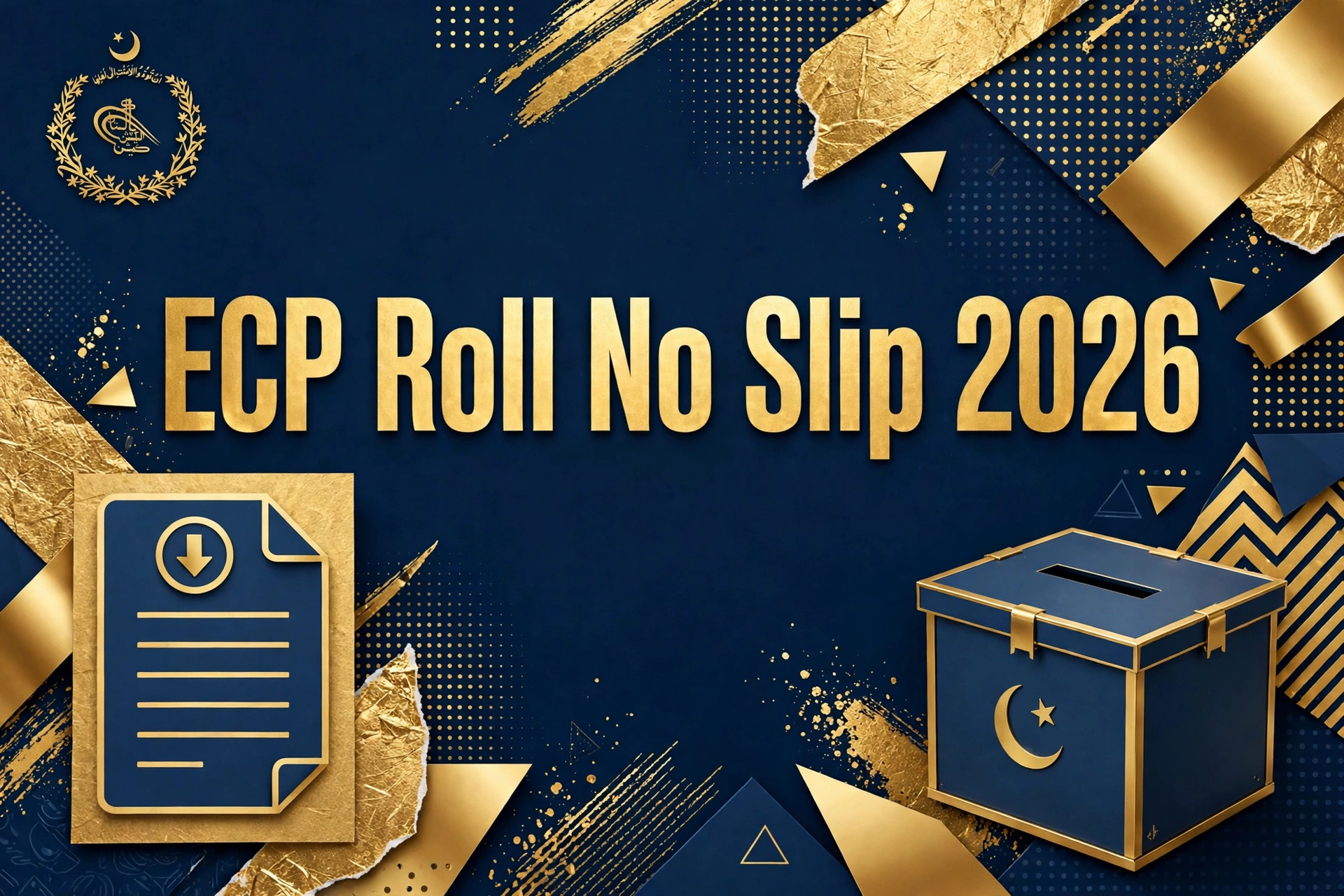
If you applied for Election Commission of Pakistan (ECP) jobs 2026, your roll number slip is the document you need before the recruitment test. It is issued as a PDF that you download, save and print. This guide explains the ECP Roll No Slip 2026: the posts, the test date as reported, how to download the PDF from ecp.gov.pk, and what to check on it.
ECP Roll No Slip 2026 — Quick Overview
| Organization | Election Commission of Pakistan (ECP) |
| Recruitment year | 2026 |
| Document | ECP Roll No Slip 2026 |
| Document format | PDF download |
| Posts | Sub Assistant (BPS-11), Senior Assistant (BPS-15) |
| Test type | Recruitment Test |
| Test date | First week of October 2026 (as reported) |
| Official website | ecp.gov.pk |
| Jobs portal | jobs.ecp.gov.pk |
| How to download | Select your post, enter CNIC or application information, download PDF, print |
The test date needs a clear warning: as reported, it was the first week of October 2026, which has already passed by late November 2026. Do not plan on that date. The posts, the portals and the download process are unchanged — but confirm the current schedule on ecp.gov.pk before you make any plan.
What Is the ECP Roll No Slip 2026?
The ECP Roll No Slip 2026 is the recruitment document for candidates who applied for Sub Assistant (BPS-11) and Senior Assistant (BPS-15) posts. It identifies you as a candidate and carries your test information — your roll number, the test date, the reporting time and the test centre. Do not use a slip from an old ECP recruitment or from another organization’s process. Every slip belongs to one recruitment and one year. Confirm that yours says ECP 2026 and the post you applied for.
ECP Roll No Slip 2026 Download PDF
Many candidates prefer the PDF because it can be saved on a phone or computer and printed later. If the Election Commission provides an official PDF, download it only from the official website. Avoid unknown websites that claim to offer an official ECP PDF — a fake PDF can carry the wrong date or the wrong centre, and that mistake is discovered only at the gate.
Official ECP Website — ecp.gov.pk
The official website is ecp.gov.pk, and the jobs portal is jobs.ecp.gov.pk. Use those addresses. Before you enter personal information, check the address in your browser — not every page showing an ECP logo is an official Election Commission page. The exact recruitment page and the roll number slip download facility should be confirmed on the official website itself.
How to Download ECP Roll No Slip 2026 PDF
- Open your browser and go to ecp.gov.pk or the jobs portal, jobs.ecp.gov.pk.
- Look for the recruitment, jobs or announcements section.
- Search for the relevant 2026 recruitment notice.
- Find the ECP Roll No Slip 2026 information.
- Confirm the announcement relates to your post — Sub Assistant or Senior Assistant.
- Open the official download option, if provided.
- Enter the CNIC or application information the website asks for.
- Review the information before submitting.
- Download the PDF, open it, and check the displayed information.
- Save the PDF on your phone or computer and print it if required.
The exact downloading procedure and the information the portal asks for should be confirmed on ecp.gov.pk itself.
ECP Roll No Slip 2026 Test Date
The test date matters because you need it to plan. As reported, it was the first week of October 2026. That week has passed, so treat it as the announced schedule, not a date you can still appear on. If your slip carries a test date, that date is the one to follow — check it carefully and follow the instructions printed with it.
ECP Recruitment Eligibility and Requirements
The posts are Sub Assistant in BPS-11 and Senior Assistant in BPS-15. The full eligibility conditions — education, age and any other requirements — are in the official recruitment notice for your post. Do not rely on the requirements from an old ECP advertisement, and do not assume the conditions for one post apply to the other.
Is There a Fee?
No fee was stated in the announcement coverage for downloading the ECP roll number slip. Do not pay any individual or unknown website for the document. If an official payment requirement applies, it will be explained through the ECP instructions.
What to Check in the ECP PDF
Check your name and any identification details first. Then check the test date, reporting time and examination location. Then read all the instructions printed on the document. If you notice an error, contact the Election Commission through its official communication channels — do not correct the PDF yourself.
How to Save and Print the PDF
On a mobile phone, open the document in your browser or PDF viewer, use the download or save option, and open the file again to confirm it saved properly. On a computer, use the download option and save it where you can find it later. If a printed copy is required, print it clearly and check that no part of the information is cut off at the edges.
What to Do After Downloading
Do not stop at saving the file. First confirm the slip belongs to the correct recruitment process. Then review all your details and any examination instructions. If it gives a test date or location, confirm the information is clear. Keep the file saved, print it if required, and contact the Election Commission through official channels if anything is incorrect.
Common Mistakes to Avoid
Using the wrong website is the first — the official addresses are ecp.gov.pk and jobs.ecp.gov.pk. Downloading an old PDF is the second — check that it says 2026. Entering wrong details is the third — review every entry before you submit. Ignoring the instructions is the fourth — read the whole slip, not just the date. Believing unconfirmed dates is the fifth — the reported test date has passed, so verify it. Sharing personal information on unverified websites is the sixth. And waiting until the last moment is the seventh — check official announcements regularly.
What If the Slip Is Not Available?
If the slip cannot be found, first confirm whether the Election Commission has announced its availability. A missing download option does not automatically mean rejection — the document may not be available yet, or the website may have a temporary problem. Try ecp.gov.pk again, look for the latest recruitment information, and contact the relevant authority if the problem continues. Never rely on someone who claims they can provide an unofficial copy of your slip.
FAQs
How can I download the ECP Roll No Slip 2026 PDF?
Visit ecp.gov.pk or jobs.ecp.gov.pk, find the relevant recruitment announcement, and follow the official downloading instructions.
Has the ECP Roll No Slip 2026 been uploaded?
No confirmed upload status was stated. Check the official Election Commission website.
What is the ECP test date for 2026?
As reported, the first week of October 2026 — that date has passed, so confirm the current schedule on the official website.
What is the official website for ECP roll number slips?
ecp.gov.pk, with the jobs portal at jobs.ecp.gov.pk.
Can I download the ECP roll number slip on my mobile phone?
Yes, if the official PDF download facility is available — save it on your phone and open it again to confirm it saved properly.
Is there any fee for downloading the ECP roll number slip?
No fee was stated. Check the official website before making any payment.
What should I do if my ECP PDF is not opening?
Check your connection and try opening it again. If it still does not open, consult the official website or contact the relevant authority.
Is a printed copy of the ECP roll number slip required?
That was not confirmed. Follow the instructions published by the Election Commission.
Also read: NCCIA Physical Test Roll No Slip 2026 — Uploaded Now, Download and POF Roll No Slip 2026 — Test Date, Call Letter @pof.gov.pk