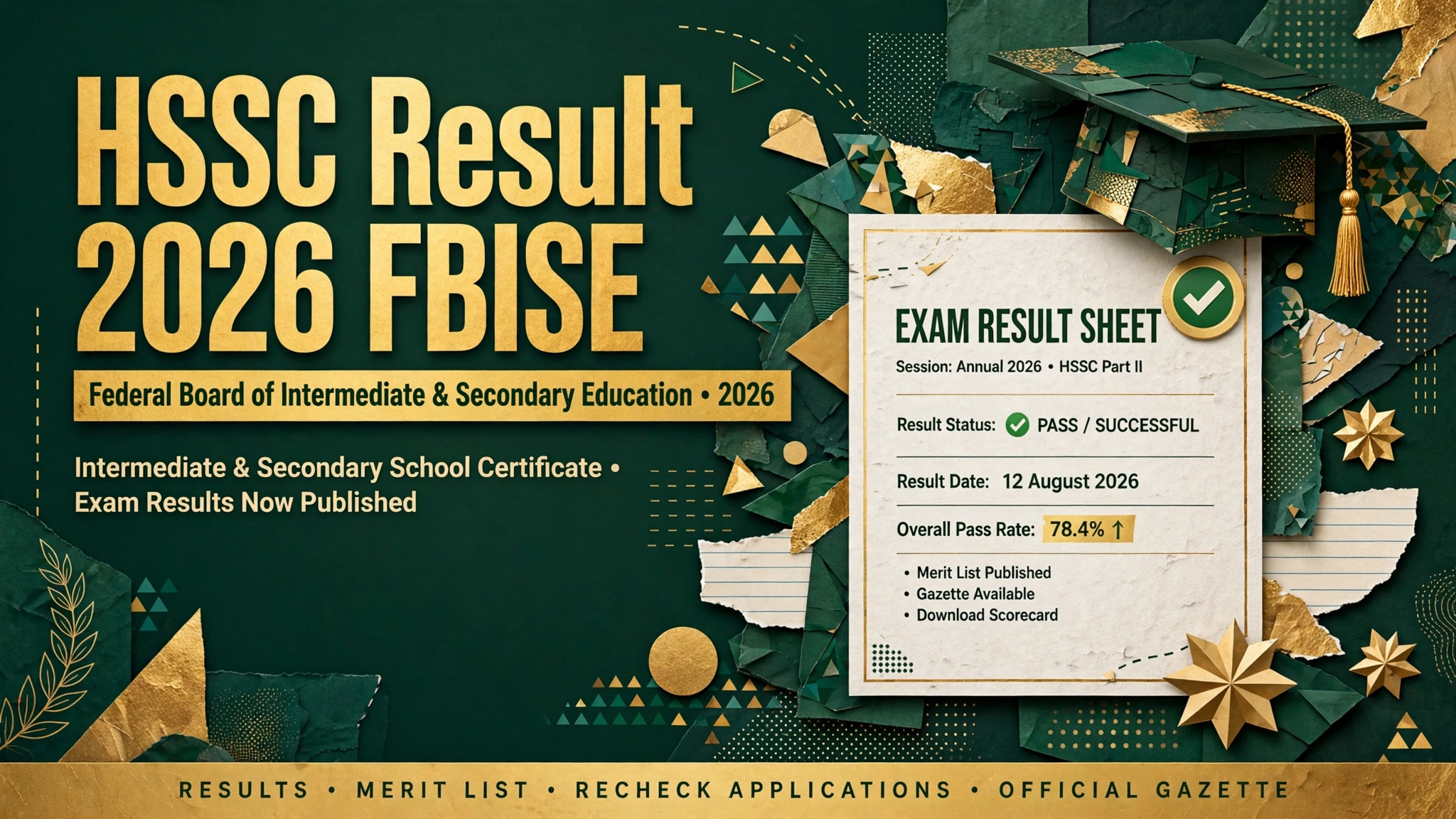
Students who appeared in the FBISE HSSC examinations 2026 have been waiting for their result, and the good news is that the Federal Board has announced it. If you are a 1st year or 2nd year student, you can now check your result online with your roll number — or by SMS if the website is slow.
Result day is a stressful day for most students, and the stress is worse when the website does not open or a forwarded message gives the wrong method. This guide gives you the confirmed position as reported, the two official ways to check your result, and what to do after you have seen it — including what to do if something looks wrong.
HSSC Result 2026 FBISE — Overview
| Detail | Information |
| Board | Federal Board of Intermediate and Secondary Education (FBISE) |
| Examination | HSSC 2nd Annual Examination 2026 |
| Classes | 11th (HSSC-I) and 12th (HSSC-II) |
| Result status | Announced |
| Announcement date | 9 September 2026 |
| Announcement time | 11:30 AM |
| Official website | fbise.edu.pk |
| How to check | Roll number online, or SMS |
| SMS method | Type FB, space, your roll number, send to 5050 |
The announcement date and SMS method above are as reported in the announcement coverage — please confirm them on the official FBISE website, fbise.edu.pk, before relying on them.
Which Result Is This?
This is the HSSC 2nd Annual Examination 2026 result, announced by the Federal Board of Intermediate and Secondary Education (FBISE). It covers both HSSC-I (11th class) and HSSC-II (12th class) students who appeared in the 2nd annual examinations.
The 2nd annual examination is the session students take when they need to improve a result, clear a subject, or appear again after the first annual examination. That is why the students checking this result are not all in the same position: some are checking a first result, some are checking an improved result, and some are checking whether they have cleared a subject they had missed. The checking method is the same for all of them — roll number online, or SMS to 5050 — but what the student does next depends on the result itself.
How to Check HSSC Result 2026 FBISE Online
Checking online is the main method, and it works best when you enter the roll number exactly as it appears on your roll number slip:
- Open your browser and go to the official FBISE website, fbise.edu.pk.
- Look for the Results section on the homepage.
- Select HSSC Result 2026 (2nd Annual).
- Enter your roll number carefully — one wrong digit and the result will not show.
- Click the search or submit button.
- Your result will appear on the screen. Save it or take a screenshot for your record.
A few practical points help on result day. First, use the official website only — fbise.edu.pk. Other websites that claim to show the FBISE result may ask for personal details or show an old result. Second, if the page is slow, wait and try again rather than entering your roll number on a different website. Third, take a screenshot or save the result page once it appears, because you will need the marks for admission forms and for your own record.
If you are checking for a family member or a friend, use their roll number exactly as written on their slip. A single wrong digit — even the last one — will show either no result or someone else’s result, so check the number twice before you submit.
How to Check by SMS
If the website is not opening because too many students are checking at the same time, use SMS instead. Type FB followed by a space and your roll number — for example, FB 123456 — and send it to 5050. You will get your result details back on your phone.
The SMS method is useful precisely because it does not depend on the website. On result day, the FBISE website can be slow for an hour or more, while the SMS service keeps working. If you have tried the website twice and it has not opened, send the SMS and wait for the reply rather than refreshing the same page again and again.
Make sure the message format is right: FB, then a space, then your roll number, and send it to 5050. A message sent to the wrong number, or with the wrong format, will not return your result. Standard SMS charges may apply as per your mobile package — that is a matter between you and your network, not the board.
What to Do After Checking Your Result
First, check that your name and roll number on the result match your roll number slip. Then look at your marks subject by subject. If something looks wrong — a missing subject, or marks that do not match what you expected — contact FBISE through its official channels instead of trusting a random WhatsApp group.
Second, keep a copy of your online result. It is useful for admission forms, but remember that the online result is not the same as your official result card — follow the board’s instructions for the original document. Colleges and universities will ask for the official result card in due course, so find out from the board or your institution when and how it will be issued, and do not treat a screenshot as the final document.
Third, think about the next step before the day is over. If you have passed, your next step is admission — and admission dates move quickly, so check the admission notice for the college or university you want. If you have a subject to clear, the board’s next examination notice is the document to watch. If you want your paper rechecked or you want to apply for improvement, the board announces that process on fbise.edu.pk — do not pay anyone who offers to change your marks.
If Your Result Shows an Error
A result that does not show, or shows an error, is usually one of a small number of problems. Work through them in order:
- Wrong roll number: check the number against your roll number slip, digit by digit, and try again.
- Wrong examination selected: make sure you selected HSSC 2nd Annual 2026, not another year or another examination.
- Website busy: wait a while and try again, or use the SMS method to 5050.
- A genuine problem with the result: if the roll number and the examination are both right and the result still does not show, or a subject is missing, contact FBISE through its official website rather than through an unofficial page.
Do not enter your roll number on unknown websites that promise to “find” your result. They cannot see the board’s record, and they may collect your details for no good purpose. The only sources for your result are fbise.edu.pk and the SMS service to 5050.
Common Mistakes on Result Day
- Using an unofficial website: only fbise.edu.pk shows the official result.
- Typing the roll number wrong: one wrong digit gives no result or the wrong result.
- Trusting a forwarded result list: a list shared on WhatsApp or Facebook is not the board’s record.
- Treating a screenshot as the official result card: keep the screenshot for your record, but follow the board’s instructions for the original document.
- Paying someone to “improve” the result: no agent can change board marks — the board’s own process, if any, is announced on its website.
Frequently Asked Questions
Has the FBISE HSSC 2nd Annual Result 2026 been announced? Yes, as reported, the result was announced on 9 September 2026 at 11:30 AM. Confirm the latest status on fbise.edu.pk.
How can I check my HSSC result by roll number? Go to fbise.edu.pk, open the Results section, select HSSC Result 2026, enter your roll number and submit.
Can I check the result by SMS? Yes. Send FB, a space, and your roll number to 5050.
What if the FBISE website is not working? Wait a while and try again, or use the SMS method. Do not enter your roll number on unknown websites.
What should I do if my result shows an error? Double-check your roll number and the examination category you selected. If the problem continues, contact FBISE through its official website.
Is the online result the same as the official result card? No. The online result is for checking your marks. Follow the board’s instructions for the original result card.
What if a subject is missing from my result? Check that you selected the right examination and roll number first. If the problem remains, contact FBISE through its official channels.
What should I do after passing? Check the admission notice for the college or university you want to join, and keep your result copy and your original documents ready.